
Allows working with directories.
This feature is recommended for structuring files.
How to display
Directories are displayed in the same way as files

How to create a new directory
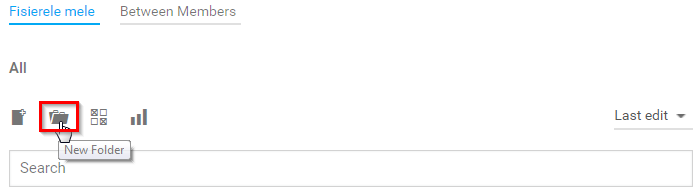
- Press the New folder button
- Type the name you want for the new directory, and then press the Create folder button

How to access a directory
- In the same way as files, by clicking on the name or on the directory icon
- Once accessed a directory, it displays the files inside or, as well as the path (the directory structure of which it belongs)


About Daniel
