
The Shared Files section shows files uploaded by the user and shared with other members or files shared by other user members.
How to access
By selecting shared files from the files section.
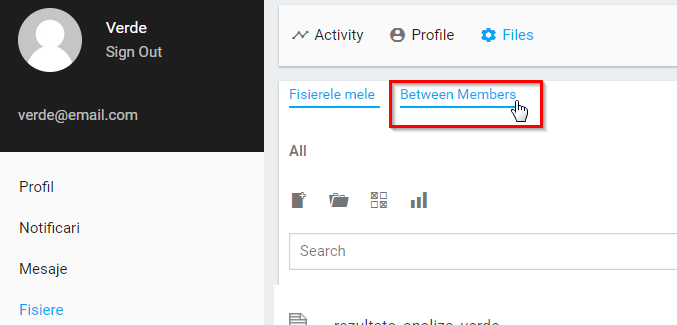
The files are displayed below each other.
The privacy of the files is displayed according to the icons present on the left side of the file:
- Private files have the signs of a padlock

- Shared files have a picture of the user or users they are sharing

How to access a file
A file can be accessed by clicking on its name or icon next to its name.

sorting files
The displayed files can be sorted by pressing the button above the files, from the top right

The sorting possibilities are:
- Last edit-depending on the date from which they were edited
- Name-According to names
Other sections
Other possible sections and functions in the Shared Files section
My files
Edit File
Search file
New file
File situation
Directories
Delete


About Daniel
